Vinbiru
Simplecom SA536 USB-C 2-in-1 SATA & M.2 SSD Adapter – NVMe, SATA, 2.5-Inch & 3.5-Inch HDD/SSD, USB 3.2 Gen 2 10Gbps
Simplecom SA536 USB-C 2-in-1 SATA & M.2 SSD Adapter – NVMe, SATA, 2.5-Inch & 3.5-Inch HDD/SSD, USB 3.2 Gen 2 10Gbps
Couldn't load pickup availability
Estimate shipping
Check delivery costs for your selected quantity without adding to cart.
Quantity: 1 item · Selected product
Available shipping options · 1 item
Estimated for your selected quantity. Final cost at checkout.
SKU:V28-SA536
Electronics > Computer Accessories
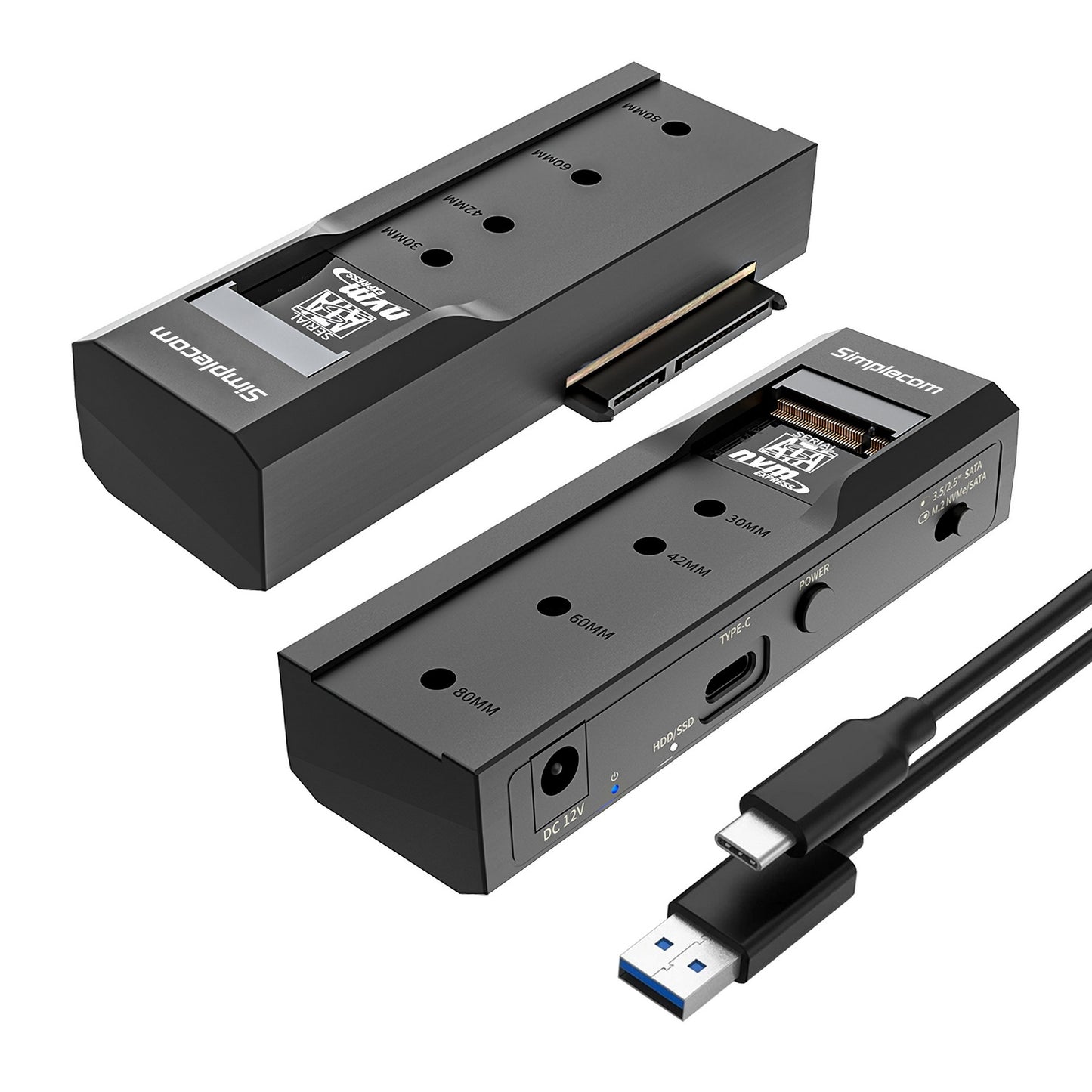
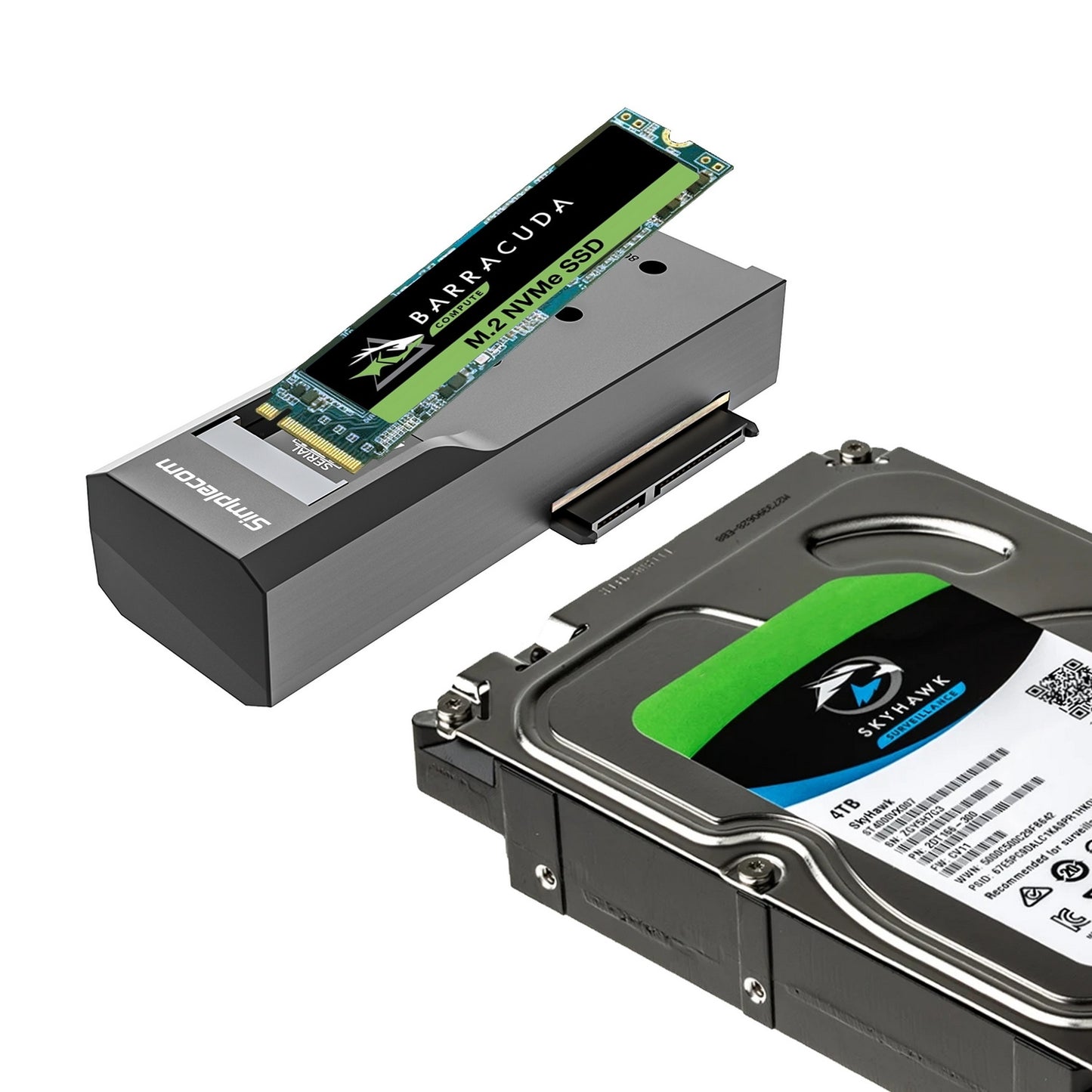
Access a wide range of storage drives with the Simplecom SA536 USB-C 2-in-1 SATA and M.2 Adapter. Designed for convenient drive access, data transfers and backups, this versatile adapter supports NVMe and SATA M.2 SSDs as well as 2.5-inch and 3.5-inch SATA hard drives and SSDs. Its USB 3.2 Gen 2 interface supports transfer speeds of up to 10Gbps, while a convenient toggle switch lets you select between SATA and M.2 drive modes. The included external power adapter provides the additional power required for 3.5-inch desktop hard drives.
Key Features & Benefits
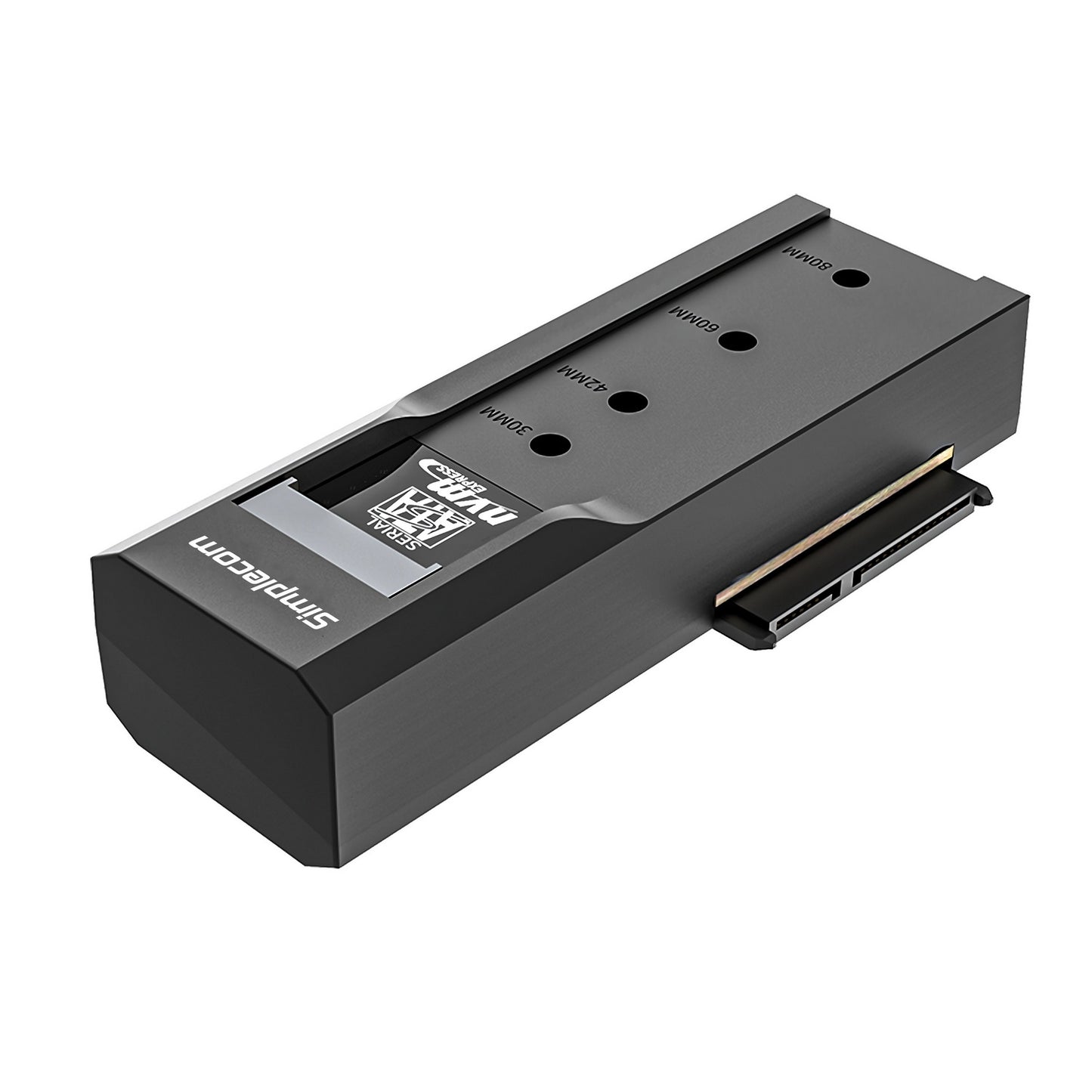
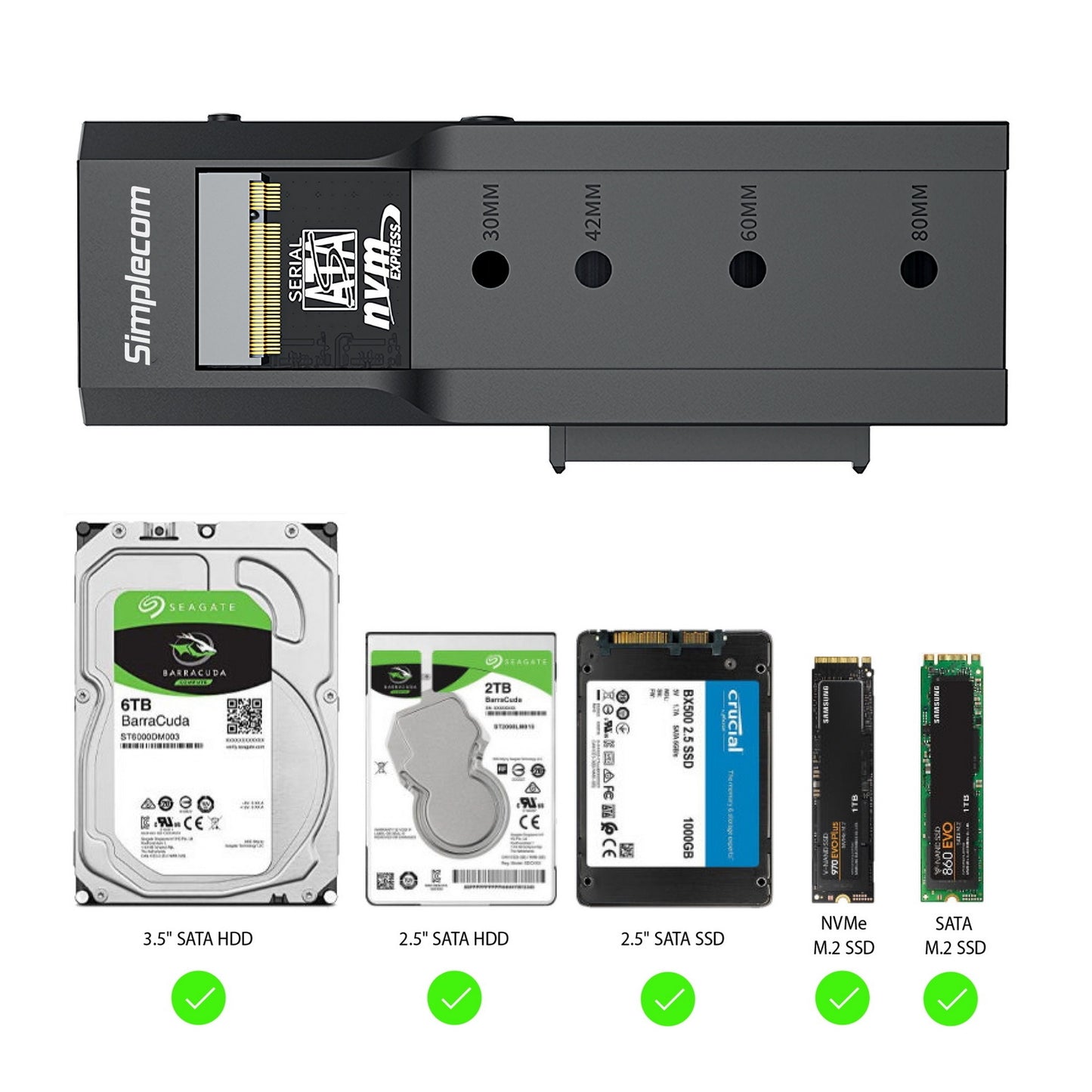
- 2-in-1 Storage Adapter: Features separate SATA and M.2 sockets for accessing different types of storage drives.
- NVMe and SATA M.2 Support: Compatible with both NVMe and SATA protocol-based M.2 SSDs.
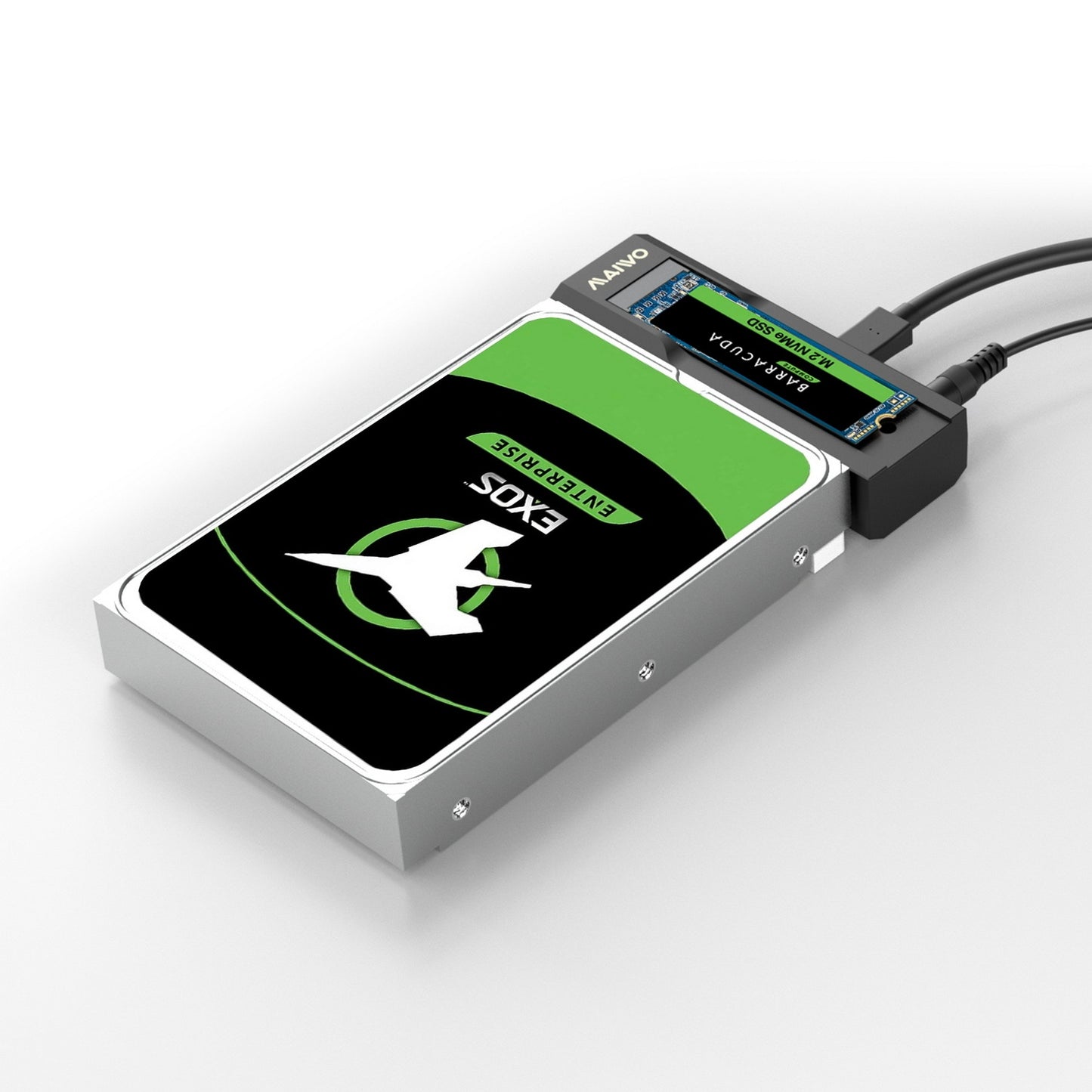
- 2.5-Inch and 3.5-Inch SATA Support: Connect compatible SATA HDDs and SSDs using the dedicated SATA socket.
- USB 3.2 Gen 2 Connectivity: Supports data transfer speeds of up to 10Gbps with compatible devices.
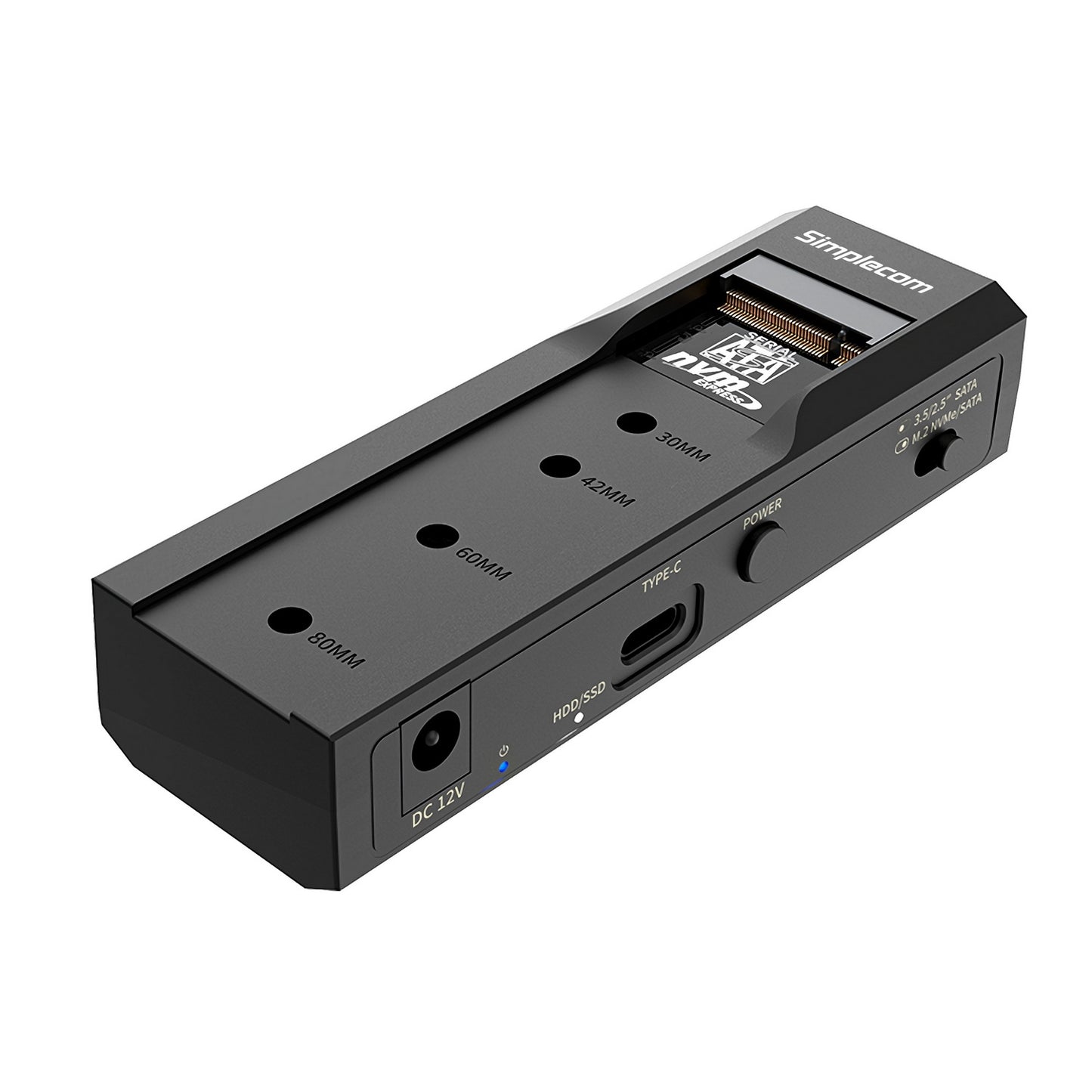
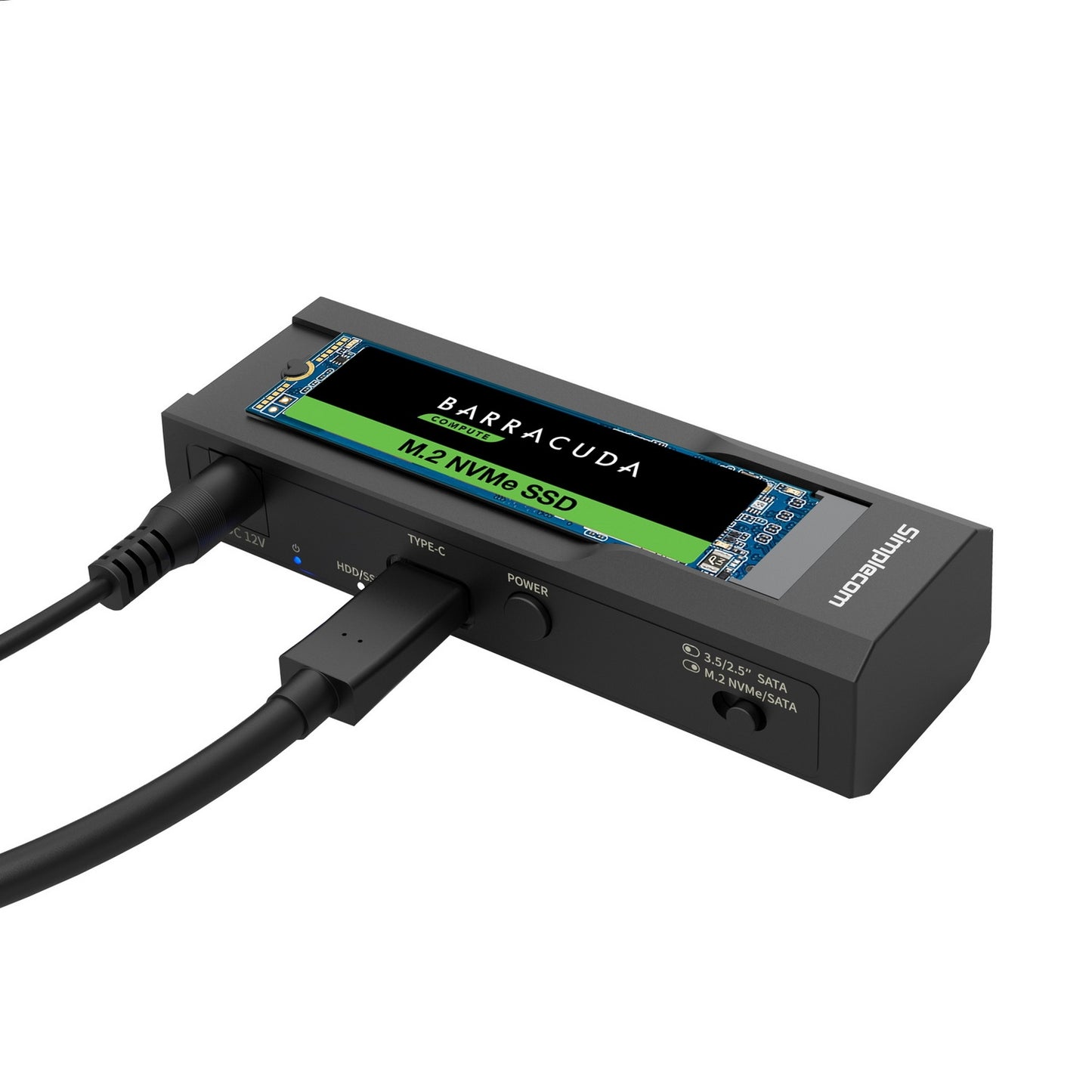
- Convenient Mode Selection: Use the toggle switch to select either SATA or M.2 operation.
- External Power Adapter Included: Supplies the additional power needed to operate 3.5-inch SATA hard drives.
- USB Bus Powered: 2.5-inch SATA drives and M.2 SSDs can operate using USB power without the external power adapter.
- UASP Support: Supports USB Attached SCSI Protocol for improved data transfer performance.
- TRIM Support: Supports the TRIM command for compatible SSDs.
- LED Indicators: Display power and drive activity status.
- Plug and Play: No additional driver installation is required on supported operating systems.
Product Specifications
- Brand: Simplecom
- Model: SA536
- Product Type: USB-C SATA and M.2 Drive Adapter
- Host Interface: USB-C
- USB Standard: USB 3.2 Gen 2
- Maximum Transfer Rate: Up to 10Gbps
- M.2 Drive Compatibility: NVMe and SATA M.2 SSDs
- Supported M.2 Sizes: 2230, 2242, 2260 and 2280
- SATA Drive Compatibility: 2.5-inch and 3.5-inch SATA HDDs and SSDs
- Supported SATA Standards: SATA I, SATA II and SATA III
- Power Input: DC 12V, 2A
- Main Material: ABS Plastic
- Dimensions: 108 x 44 x 24mm (L x W x H)
- Weight: 49g (without power adapter)
- Operating System Support: Windows 7 and above; macOS 10.8 and above
Product Uses
Use the Simplecom SA536 to access internal SATA hard drives, SATA SSDs and NVMe or SATA M.2 SSDs directly through a computer's USB-C port. It is suitable for transferring files, backing up data, retrieving information from old drives, testing storage devices and migrating data between compatible drives.
Package Includes
- 1 x Simplecom SA536 USB to SATA and M.2 Adapter
- 1 x AC Power Adapter
- 1 x USB-C to USB-A Cable
- 1 x USB-C to USB-C Cable
- 1 x Rubber Standoff for M.2 SSD
- 1 x User Manual
Important Compatibility & Usage Notes
- The SATA and M.2 sockets cannot be used simultaneously. Select the required mode using the toggle switch.
- Power off the adapter before switching between SATA and M.2 modes. Do not change the mode while the adapter is powered on.
- External power is not required for 2.5-inch SATA drives or M.2 SSDs.
- An external power connection is required for 3.5-inch SATA hard drives.
- When connecting a 3.5-inch hard drive, connect the USB cable before connecting the power cable.
- Actual transfer speeds depend on the connected drive, computer and USB interface.
- Hard drives and SSDs are not included.